Have several customers that moved to Office 365. I have them setup with their premise Active Directory server syncing to Office 365. I needed a way to force the synchronization. Google found this url for me but the directory path wasn’t right for my install.
On Windows Server 2008 R2 Azure is installed at C:\Program Files\Windows Azure Active Directory Sync
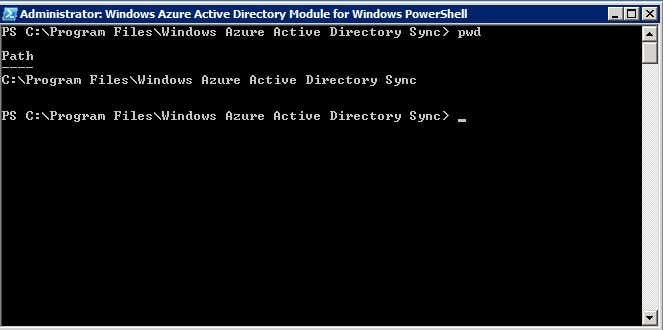
Starting the Directory Sync Configuration Shell displays another window for me.
In that new window I can issue the Start-OnlineCoexistenceSync command.