I needed to delete a domain on my Zimbra 7.2 server. No problem. In the Configuration pane, I expanded the Domains tab. Clicked the domain. Clicked Delete.
I got a warning that I had to delete all the account in the domain before deleting the domain. Make sense. Deleted all the accounts. Went back to delete the domain and get this ugly message.
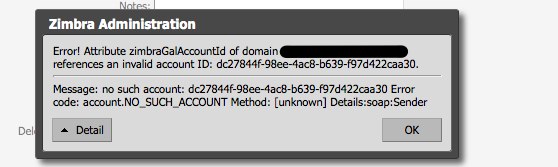
GoogleFu was failing me. Tried all sort of things. Then I happened upon this little gem. Not related to my problem by the concept of “zmprov md” the account got me thinking of a different approach to my problem.
$ zmprov md domain.com zimbraGalAccountId ""Went back into zimbra web admin interface and I could delete the domain.